Team
€99 per month
30-day trial first, no card
- People managed
- 25
- Tickets
- 100 / mo
- Devices tracked
- 50
- Directories
- M365 or Google
- One company Environment
- People, devices, and licenses
- Microsoft 365 and Google Workspace
- Direct support
OpsDesk
People, accounts, devices, and licenses for companies without a dedicated IT person.
GDPR · DORA · NIS2 · ISO 27001:2022
 Entra · Graph API
 Onboard, move roles, offboard with evidence
Capabilities
Create the person record, then provision Microsoft 365 and Google Workspace accounts through Graph and Admin SDK. Temporary passwords show once at the end of onboarding.
When someone changes role, update structured role, manager email, device assignments, and license seats — then apply the mover changes back to the connected directories.
One action deactivates provider accounts, revokes access, and moves the person to left status. No separate checklist in the Entra admin center.
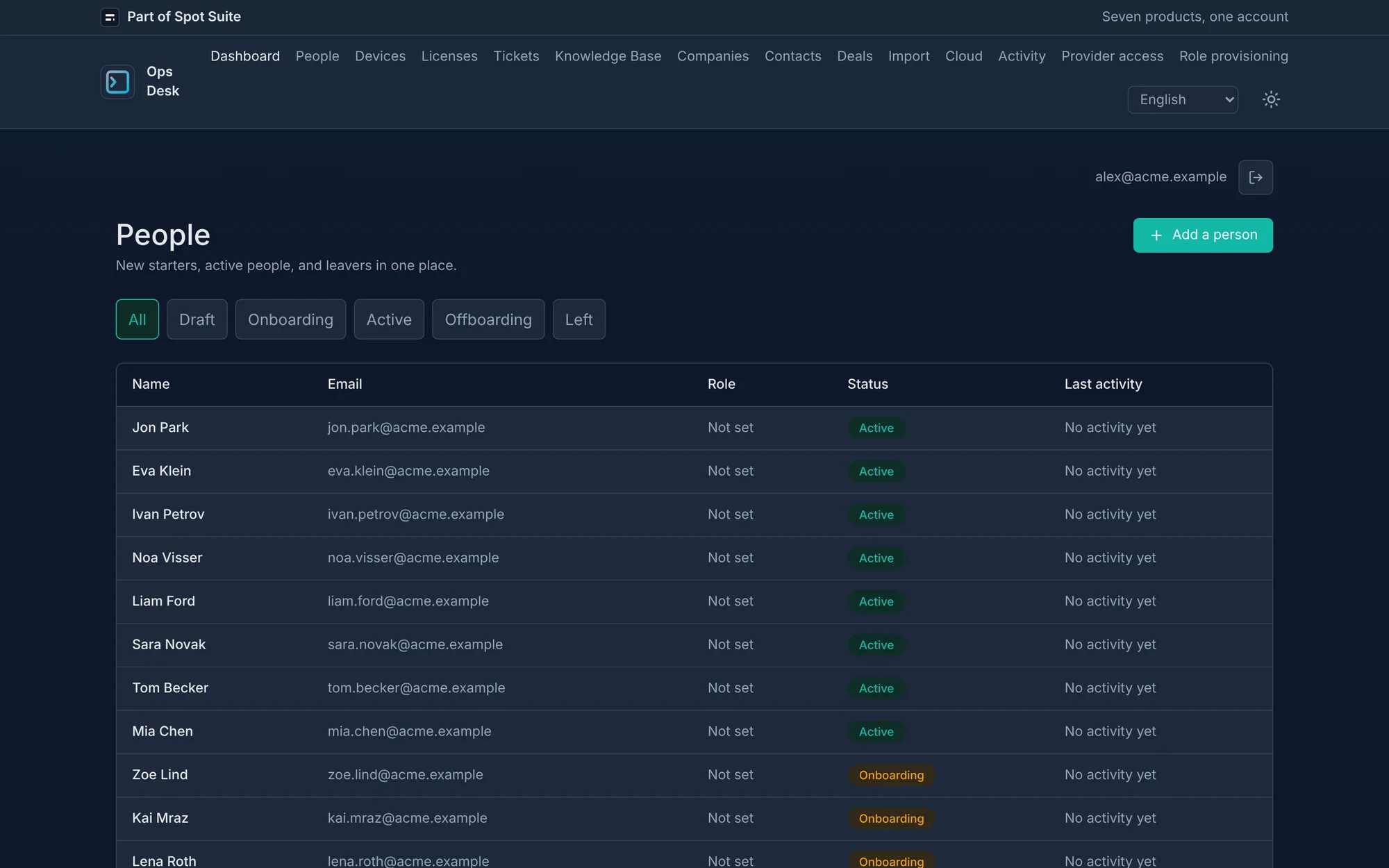
Track every employee from draft through onboarding, active, offboarding, and left — sized for a 60-person company without a dedicated IT person.
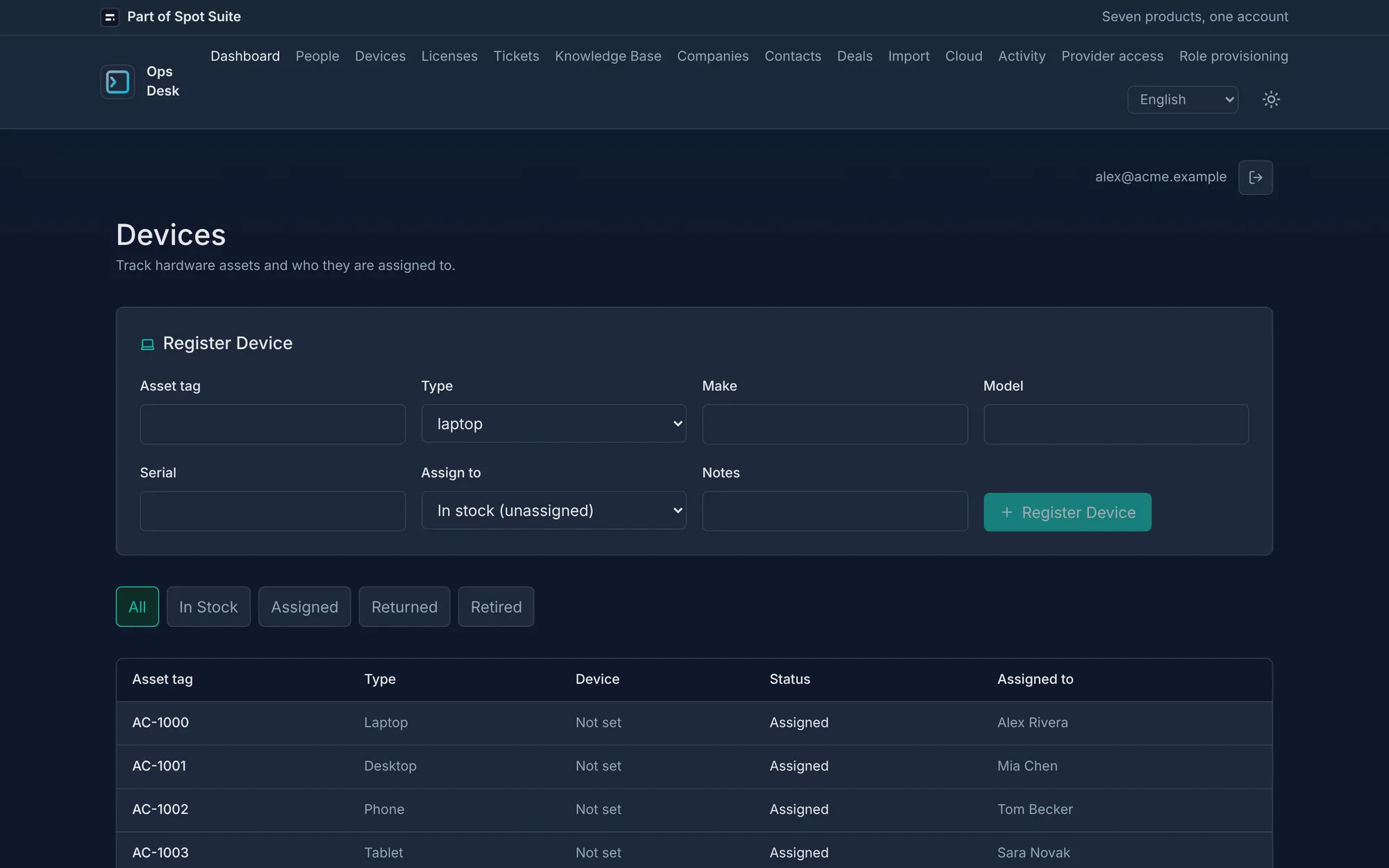
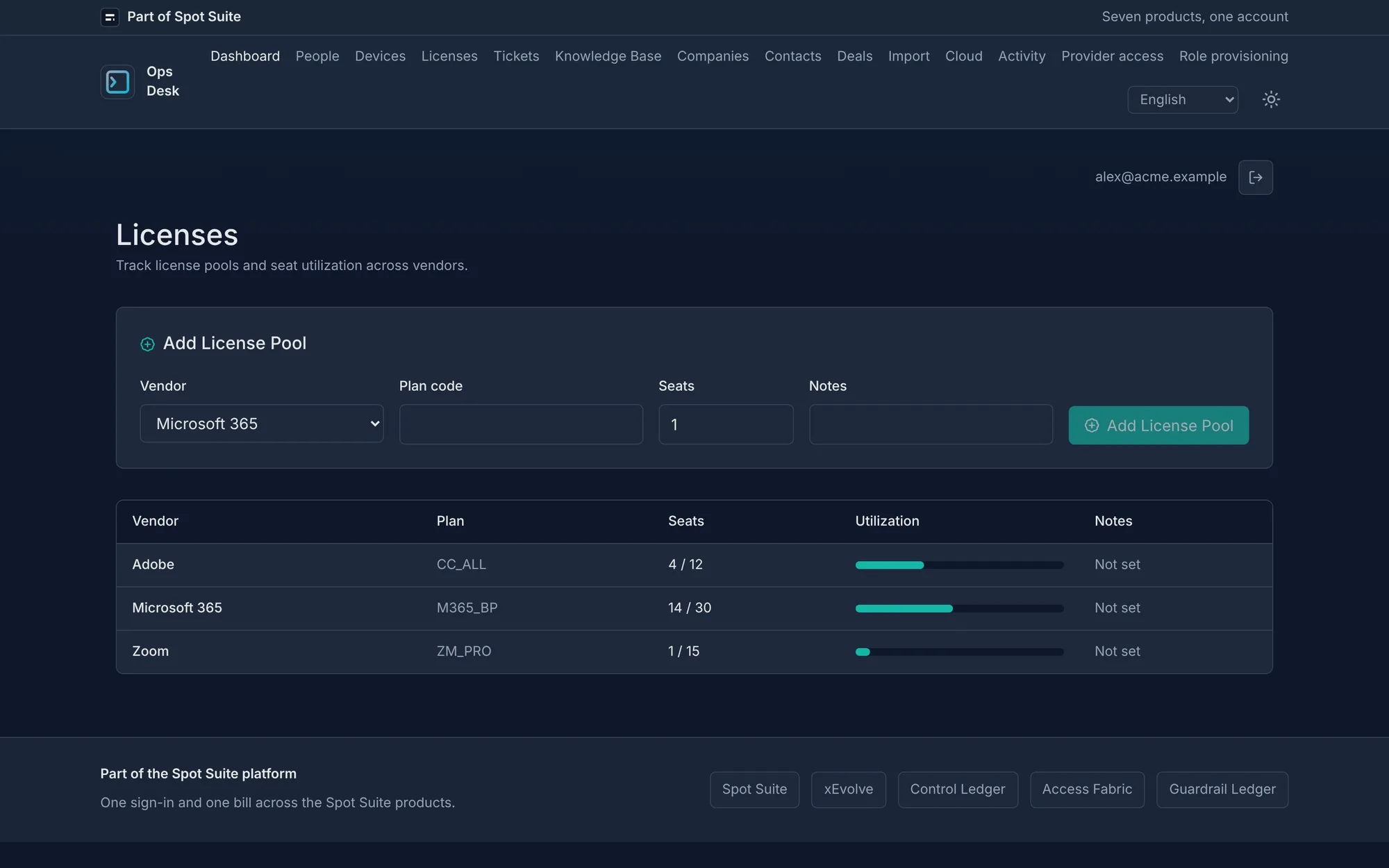
Assign laptops and M365 or Google license pools per person. The asset register stays on the same record as accounts and role data.
Every joiner, mover, and leaver action records the actor, outcome, and timestamp on the person detail page — ready for an access review or ISO 27001 A.5.18 check.
In the product
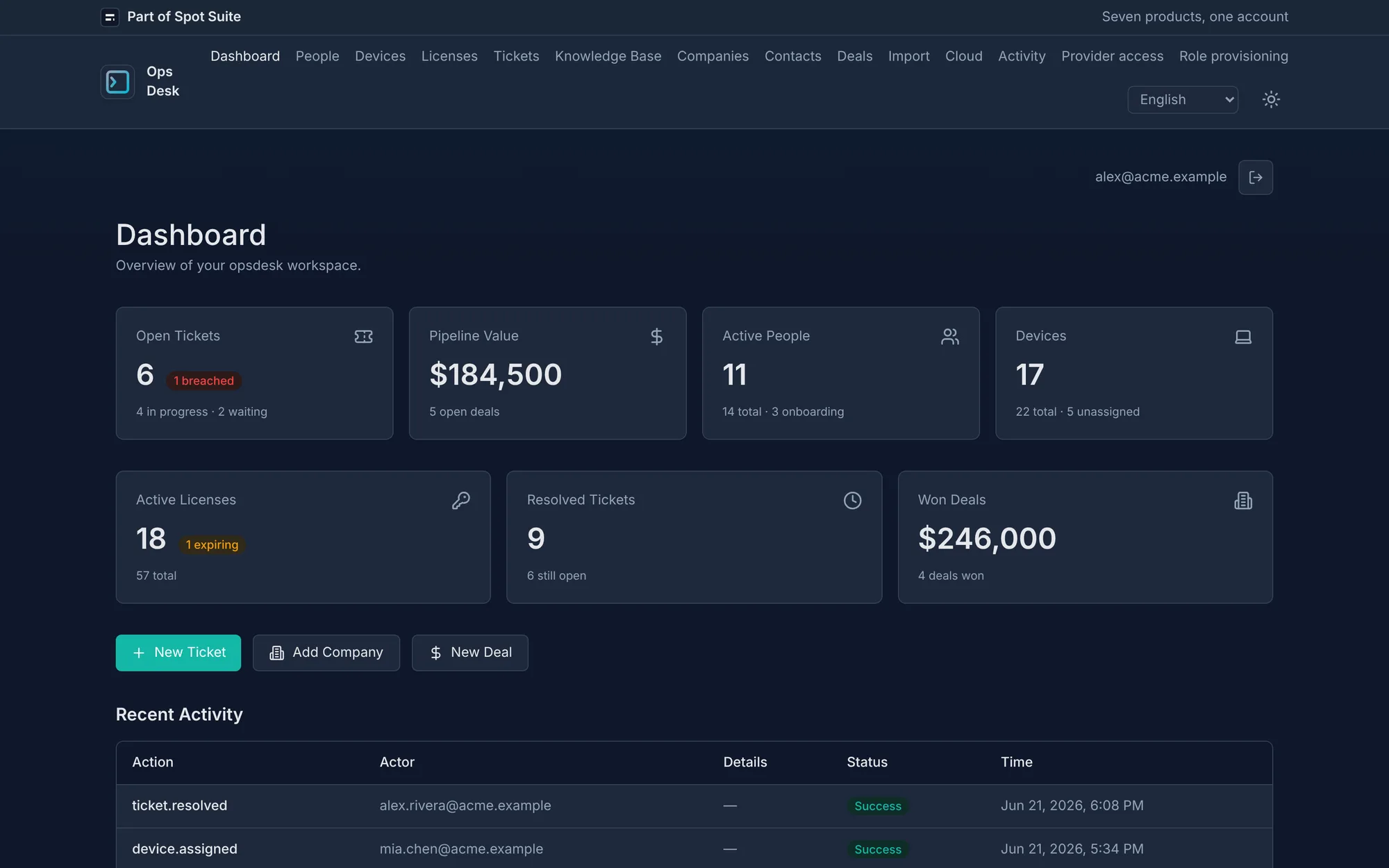
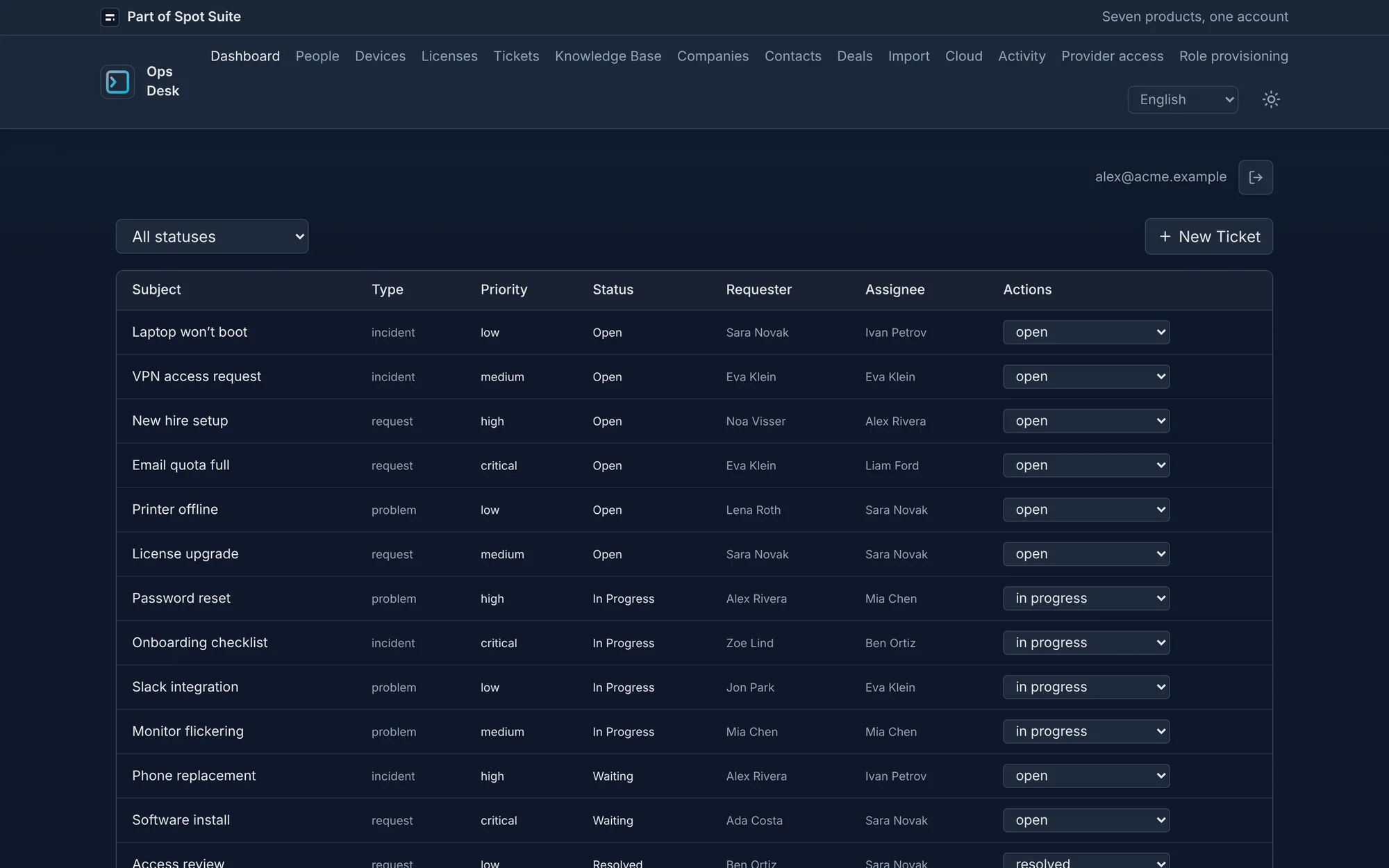
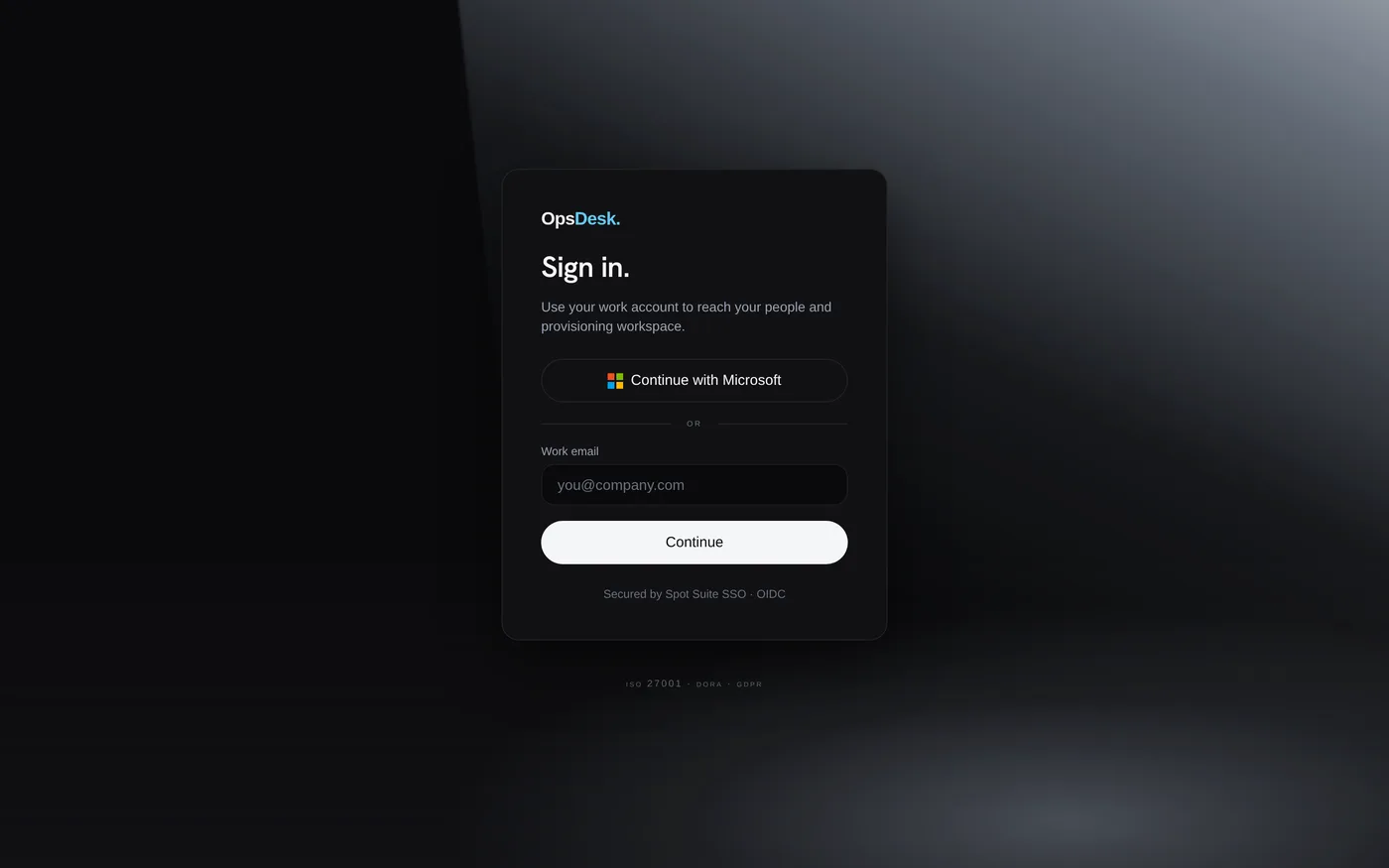
Real product screens — dashboard, people, tickets, devices, licenses, and sign-in.
Operate
Three moves, one record. Connect a directory once, run the lifecycle, and read back who did what.
Grant Microsoft Graph admin consent for your Entra tenant and add Google Workspace domain-wide delegation. OpsDesk only touches the directories you connect.
Add a person, start onboarding, change role when they move teams, and offboard when they leave. Accounts, devices, and licenses stay on one record.
Open the person detail page or the tenant activity log to see who ran each action, whether it succeeded, and when it happened.
Plans
Team €99, Business €249, MSP from €599 per month. Every plan starts with a 30-day trial — no credit card.
€99 per month
30-day trial first, no card
€249 per month
30-day trial first, no card
from €599 per month
30-day trial first, no card
FAQ
OpsDesk runs on Cloudflare Workers with D1. Your Customer Environment's data region is chosen at provisioning — the EU by default, with US and other regions available. Spot Cloud B.V. is the legal entity, and each environment is isolated per tenant.
Operators sign in through Spot Suite OIDC with Entra ID, passkeys, or authenticator-app MFA. Microsoft Graph and Google Workspace use separate admin-consented connections — end users never sign in to OpsDesk.
The activity log records joiner onboarding, mover apply, and offboard actions with actor email, outcome, and timestamp. Export the log for ISO 27001:2022 controls A.5.16 and A.5.18 access-rights reviews.
Every plan starts with a 30-day trial — no credit card. You get one company Environment, people, devices, and licenses, Microsoft 365 or Google Workspace connections, and the full joiner, mover, and leaver flows. When the trial ends, upgrade to Team at €99 per month, Business at €249 per month, or MSP from €599 per month.
Every plan starts with a 30-day trial — no credit card. Connect Microsoft 365 or Google Workspace and run joiner, mover, and leaver flows with a recorded activity log.